
Pay onlineAir alertsContactsInternet during blackouts: how it worksUA
(067) 675-77-10
Air raid alerts map
Connect Internet
Blackout resistance

Internet during blackouts and GPON questions
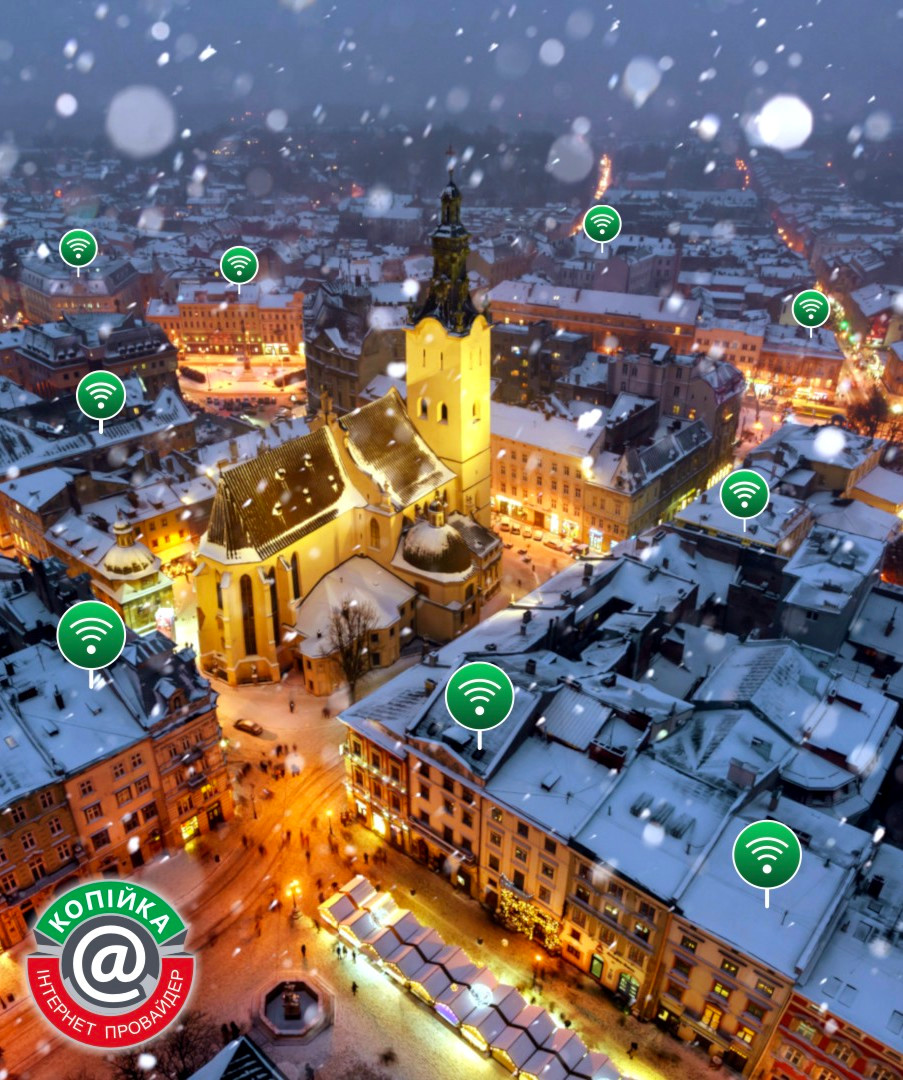
Night Lviv and Wi-Fi

Our company prepared for power supply problems in advance, and our engineers monitor all network nodes around the clock. We keep the service running during outages of 96 hours (4 days) and longer.

All our nodes are equipped with powerful batteries and diesel generators with fuel reserves for several days of autonomy. As long as fuel is available at gas stations, we will maintain stable access as long as possible.

Autonomy is available to subscribers connected via GPON fiber: 99% of corporate clients and private houses and over 90% of apartment buildings.

Thanks to a well-designed network scheme, even copper connections work if there is power in the subscriber's building (the network is not built as a daisy chain).

To keep your Wi-Fi router running during an outage you need an uninterruptible power supply.

How long the internet works without power: the figures

  • 96 hours (4 days) network nodes run on batteries, then on diesel generators with fuel for several days.
  • 99% of corporate clients and private houses and over 90% of apartment buildings are connected via GPON and have this autonomy.
  • 100% network uptime over IPv4 and IPv6 for 06.10–05.11.2026, 0 outages – according to independent ArgusNOC measurements. Monitoring data.

How to keep Wi-Fi working during a blackout

Kopiyka's network keeps running, but at home two devices need power: the optical terminal (ONU) and the Wi-Fi router. Together they draw about 10–15 W.

  • A UPS of 600–850 VA – roughly 3–5 hours for the ONU and router. Plug both devices into it.
  • A power bank of 20,000 mAh with a USB–12 V cable (with a voltage converter) – roughly 4–6 hours.
  • A portable power station – a day or more, depending on capacity.

The exact time depends on the router model and the battery condition. Outage schedules for your address are on the power outage map. How to compare providers on blackout resistance and other criteria – see the checklist.

Connect blackout-resistant internet

FAQ

Questions about blackouts and GPON

How do I find out if I am connected via GPON?

1) In the personal account: subscriber card → "Other" → "Connection technology". 2) Call the call center or write via Viber or Telegram.

How do I switch from copper to GPON?

Tell us by phone, messenger or a request in the personal account. We will check technical feasibility at your address.

Does a new cable need to be run into my home?

Yes, an optical cable 3-5 mm in diameter, black (sometimes white). A no-drilling option exists: an ONU box near the door connected to the existing copper cable (not recommended).

What is the waiting time for connection?

Usually 1–3 days. You can speed it up by laying the cable we provide yourself – then a specialist arrives. This does not affect the cost.

Can GPON stop working?

Yes, like any network (cable breaks, accidents). Our crews repair damage even at night – employees have permits to work during curfew.

How long does Kopiyka internet work without power?

On a GPON connection network nodes run 96 hours (4 days) on batteries, then on diesel generators while fuel is available. At home the ONU and router need power – from a UPS, a power bank or a portable power station.

What do I need to keep Wi-Fi working during a power outage?

Power for the optical terminal (ONU) and the router: a 600–850 VA UPS gives roughly 3–5 hours, a 20,000 mAh power bank with a USB–12 V cable roughly 4–6 hours. Together these devices draw about 10–15 W.

Does the internet work without power if I am connected by copper cable?

Yes, if your building has power: the network is not built as a daisy chain, so outages in neighbouring buildings do not affect you. For the internet to work when your building has no power too, switch to fibre (GPON or XG-PON).

More advantages of the technology – on the GPON page.

ViberWhatsAppTelegram